
Fast and Safe Withdrawals: How to Cash Out at PALDOHERE

Leave Comment/ By G /June 12, 2026
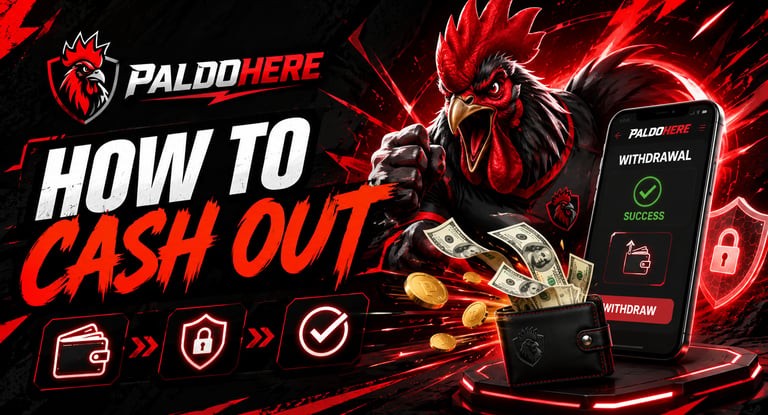
To begin, visit the official PALDOHERE website and log in using your registered username and password. Once inside your account, go to the Cash Out, Withdraw, or Wallet section where the available withdrawal options can be found.
Before submitting a cash-out request, make sure your account details are correct. Review your wallet balance, chosen payment method, withdrawal amount, and receiving account information. Double-checking these details helps prevent delays or failed transactions.
After entering the required information, submit your withdrawal request and wait for confirmation from PALDOHERE. Processing time may vary depending on the selected payment method, account verification status, and transaction volume, but the platform aims to keep the process smooth and reliable.
For safety, always cash out only through the official PALDOHERE website. Avoid sending your account details, password, or verification codes to unknown people or unofficial pages. Keeping your information private is one of the best ways to protect your funds.
If your withdrawal takes longer than expected or you notice any issue with your request, contact customer support for assistance. The support team can help check your transaction status and guide you through the proper steps.
With clear cash-out instructions, secure processing, and reliable support, PALDOHERE helps users withdraw funds with confidence and convenience.
Disclaimer: PALDOHERE is intended for users aged 21 and above. Please play responsibly, set personal limits, and never treat gaming as a guaranteed source of income.
Get in touch
ALL RIGHTS RESERVED 2026


Let's Talk
info@paldohere.com.ph